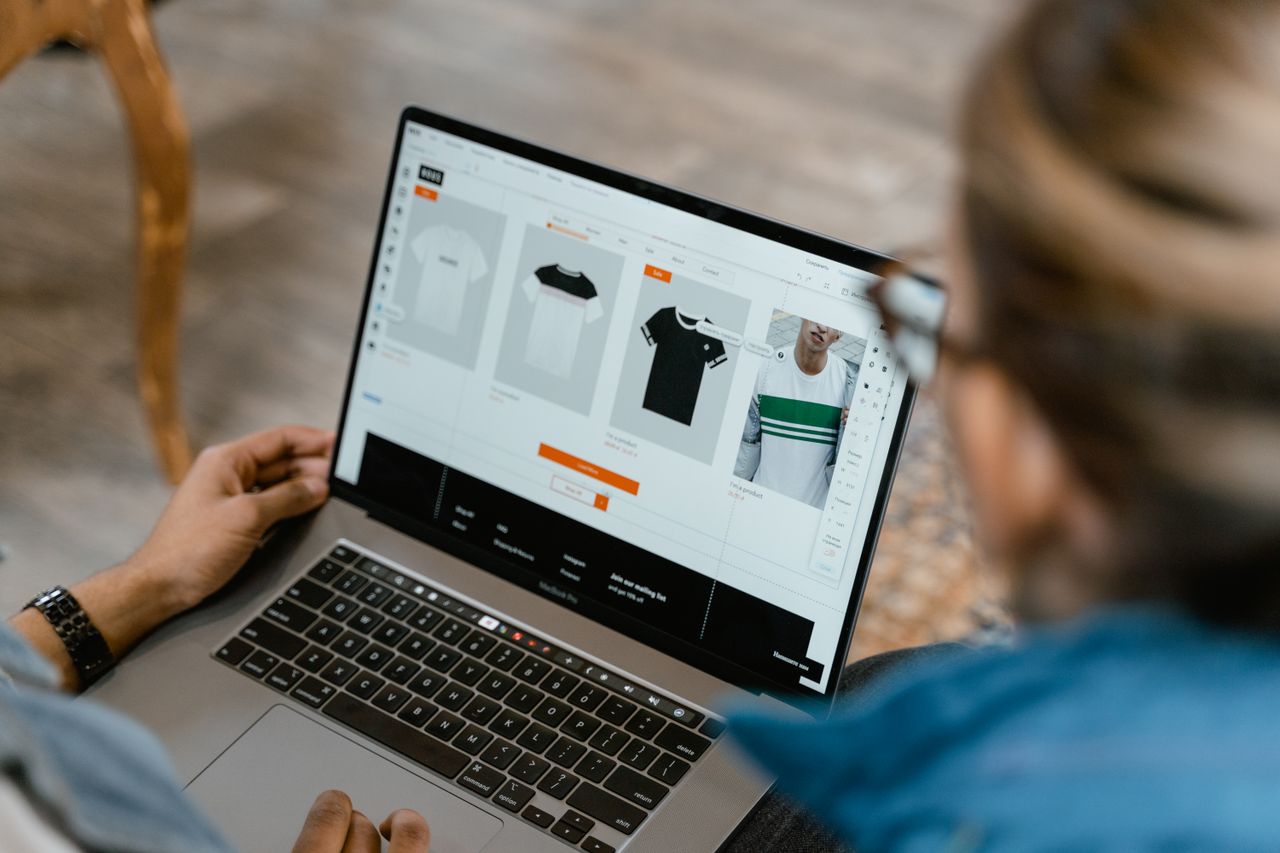
Transform Your Online Company Store Into a Sales Engine
A lot of sales teams live in chaos. Collateral is scattered across shared drives, PDFs are out of date, reps build their own decks, and no one is totally sure which logo is current. Deals slow down while people search for files, and new reps take longer to ramp because nothing is in one place.
An online company store can fix this, but only if it is built for sales enablement, not just swag orders. When your store is designed around how your team actually sells, it becomes a real sales engine that centralizes assets, speeds up execution, and keeps your brand under control.
We like to think about three main pillars: role-based kits that match your sales motions, brand-approved templates that reps can customize safely, and CRM or deal-stage workflows that put the right materials in play at the right time. Late summer is a great moment to rethink all of this, as teams gear up for Q4 campaigns, fall events, and planning for the next budget cycle.
Map Your Sales Motions Before You Build the Store
Before anyone starts loading products and templates into your online company store, you need a clear picture of how your organization actually sells. If you skip this step, your store turns into a junk drawer instead of a sales tool.
Start by mapping your sales journeys. Define your buyer stages and what happens at each step, for example:
- First touch and early interest
- Discovery and deeper qualification
- Evaluation and stakeholder alignment
- Proposal and negotiation
- Onboarding, adoption, and renewal
Next, look at who is involved. Different roles need different tools to move deals forward. Typical roles include:
- BDR or SDR starting conversations and booking meetings
- AE running discovery, demos, and proposals
- Channel or reseller partners working their own pipelines
- Field marketers and event teams running campaigns
- Customer success teams focused on renewals and expansions
Then run a content audit. Lay everything out on the table, such as:
- Print collateral like one-pagers, case studies, brochures, playbooks, battle cards
- Promotional products like wearables, tech items, and desk items
- Samples, demo kits, and physical leave-behinds
- Event materials like signage, backdrops, and handouts
Mark each item: keep as-is, update, retire, or create new. This helps you avoid dragging old clutter into a new system.
Finally, decide on ownership and budget rules. Who owns the online company store: sales operations, marketing, enablement, or a shared group? How will budgets work: by team, territory, or campaign? Clear governance keeps inventory under control and reduces surprises when big pushes or events hit.
Build Role-Based Sales Kits That Reps Actually Use
Once you know your motions and roles, you can turn your online company store into a place where reps can click once and get exactly what they need for a specific use case.
Think in terms of curated kits, not one-off items. Some high-impact examples:
- New-hire onboarding kits so reps start fully branded and stocked
- Prospecting packs with intro mailers, simple leave-behinds, and light swag
- Demo room kits that make on-site or virtual demos feel consistent and polished
- Event follow-up mailers that tie directly to campaign messaging
- Channel partner starter bundles with co-branded materials
Each kit should have a smart mix of print and promo that supports your sales story. For example:
- Print assets like playbooks, battle cards, one-sheets, and case studies
- Promotional products that fit your audience, such as useful tech items or desk pieces
- Packaging that looks on-brand when it lands on a customer’s desk
You can also design tiered kits based on segment or deal size. A small opportunity might get a simple mailer, while a key enterprise account gets a higher-touch bundle. Add light personalization where it matters, like:
- Business cards and personalized letters
- Region-specific inserts or local event invites
- QR codes that point to rep-specific content
Behind the scenes, the store should manage inventory and logistics. Set reorder thresholds so core items never run dry. Define fulfillment rules so kits ship from the best location or on a specific service level. When sales leaders kick off a big campaign, they should not have to ask, “Do we even have enough materials for this?”
Protect Your Brand with Templates Reps Can Customize Safely
Brand chaos often happens because reps are trying to move fast and do not want to wait on design. A good online company store solves that with templates that are both flexible and safe.
Build a template library that lives right inside your store. Common template types include:
- Pitch decks and discovery decks
- One-sheets and product briefs
- Proposals, statements of work, and cover pages
- Postcards, letters, and dimensional mailers
- Event signage, banners, and table materials
Within each template, set clear guardrails. Lock down:
- Logos, colors, and approved fonts
- Core headlines and key value messages
- Legal language and required disclaimers
Then open up only what should be edited, like:
- Contact details and titles
- Territory or regional messaging
- Offer dates, promo codes, or local event info
- Optional localized images that still meet brand standards
This balance speeds everyone up. Reps get what they need in minutes, and marketing does not spend all day fixing rogue decks. Because everything runs through the store, you can also control versioning. Retire outdated templates, roll out new campaigns, and time seasonal updates so older promos do not keep showing up in the field.
Connect CRM and Deal Stages to Automated Sales Workflows
Your online company store becomes far more powerful when it connects to your CRM and mirrors your deal stages. Instead of hoping reps order the right thing, you can suggest or trigger it.
Start by matching CRM stages to physical and printed touchpoints. For example:
- After a first meeting, send a light intro kit or thank-you mailer
- During evaluation, provide technical or role-based materials for champions
- Right before proposal, ship a decision-maker package that sums up value
- At renewal, send a simple appreciation gift aligned with your brand
These can be built as smart bundles, with clear rules for who can trigger them, how often, and under what conditions. Automation does not have to mean set-and-forget. You can still require approvals for higher-value kits or territory-limited items.
Because your CRM and store share data, you also gain a rich view of what is working. You can see:
- Which kits are ordered most often and by which teams
- At what deal stage each type of material is used
- How usage lines up with faster cycle times or better close rates
You can also manage compliance from the same system. High-value orders might require manager sign-off, partner co-branded pieces might follow special rules, and certain regions might have different options. The goal is to keep the experience smooth for reps while still protecting your brand and your budget.
Launch, Train, and Continuously Improve Your Sales-Ready Store
A great online company store does not succeed on setup alone. You need a thoughtful rollout plan, plus habits to keep it sharp over time.
For launch, focus on why busy reps should care. Some helpful moves:
- Share quick-start guides by role that show “click here, get this kit for that stage”
- Record short training videos that walk through ordering, kits, and templates
- Run internal contests or challenges to get the first wave of adoption
Set a regular governance rhythm. A quarterly review with sales, marketing, and operations can cover:
- What is working, based on order data and sales feedback
- Which assets are underused and ready to be retired or reworked
- What new kits or templates are needed for upcoming campaigns or trade shows
As the store proves itself, you can open it to more teams. Customer success might need onboarding or renewal kits. HR might need recruiting and new-hire packs. Partner teams might need a full enablement track with co-branded materials.
At BRIDGE Printing & Promotional Products, Inc., we work with organizations to design, print, and fulfill these kinds of programs from end to end, including custom online company stores that support sales enablement. With thoughtful planning, your store can move from a simple swag catalog to a true sales engine that supports every stage of the customer relationship.
Get Started With Your Project Today
Transform how your team orders branded materials with our streamlined online company store solution from BRIDGE® Printing & Promotional Products, Inc. We handle setup, product curation, and brand control so your employees can order exactly what they need, when they need it. Ready to explore what this could look like for your organization? contact us so we can walk you through options tailored to your workflow and budget.